Extreme movers↗
0Waiting for scan
Scan extreme Binance Futures movements, understand the pressure behind them, and prepare a controlled 2.5R plan without blindly chasing price.
The live scan uses public endpoints only and never places, changes, or closes orders.
Waiting for scan
0% of movers
0% of movers
No data yet
Still requires deep confirmation
No calculation yet
Market-wide sentiment context. It changes score pressure but never creates a trade by itself.
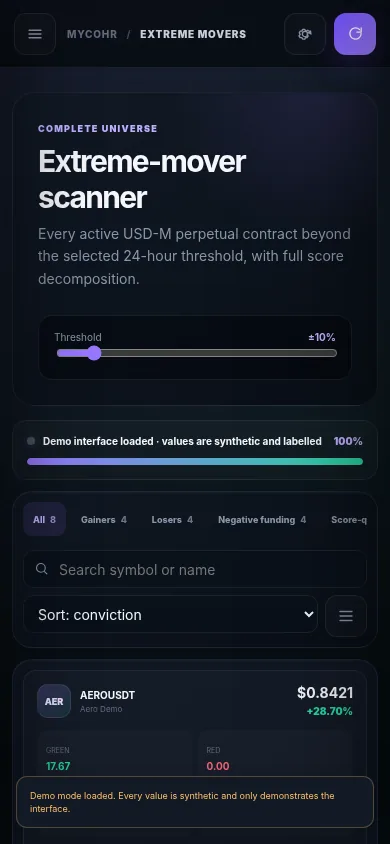
Every active USD-M perpetual contract beyond the selected 24-hour threshold, with full score decomposition.
| # | Contract | 24h move | Pressure scores | Coin F&G | RSI | 15m EMA | 4h EMA | OI 24h | 10 days | Funding | L/S | Market cap | Activity | 6 timeframes | Action |
|---|
Run the live scanner. Contracts moving at least the selected percentage will appear here as their sixteen factors are calculated.
Track every opened setup, current R, unrealized PnL, distance to stop, and the complete modification timeline.
Open a deep investigation, choose Scalp, Intraday, or Swing, then record the setup as opened.
Every closed position keeps its original setup, changes, result, duration, PnL, realized R, closure reason, and post-trade review.
Compare real setups, visible modifications, verified outcomes, and the lessons traders wrote after closing their positions.
Measure expectancy, profit factor, average R, duration, closure patterns, and which setup engine performs best.
Star a coin from the scanner or investigation drawer. Your watchlist is stored locally now and will synchronize when the MYCOHR backend is connected.
MYCOHR can guide a complete beginner through a safe demonstration, from the first scan to reviewing a closed trade. It explains what every button means and why each decision matters.
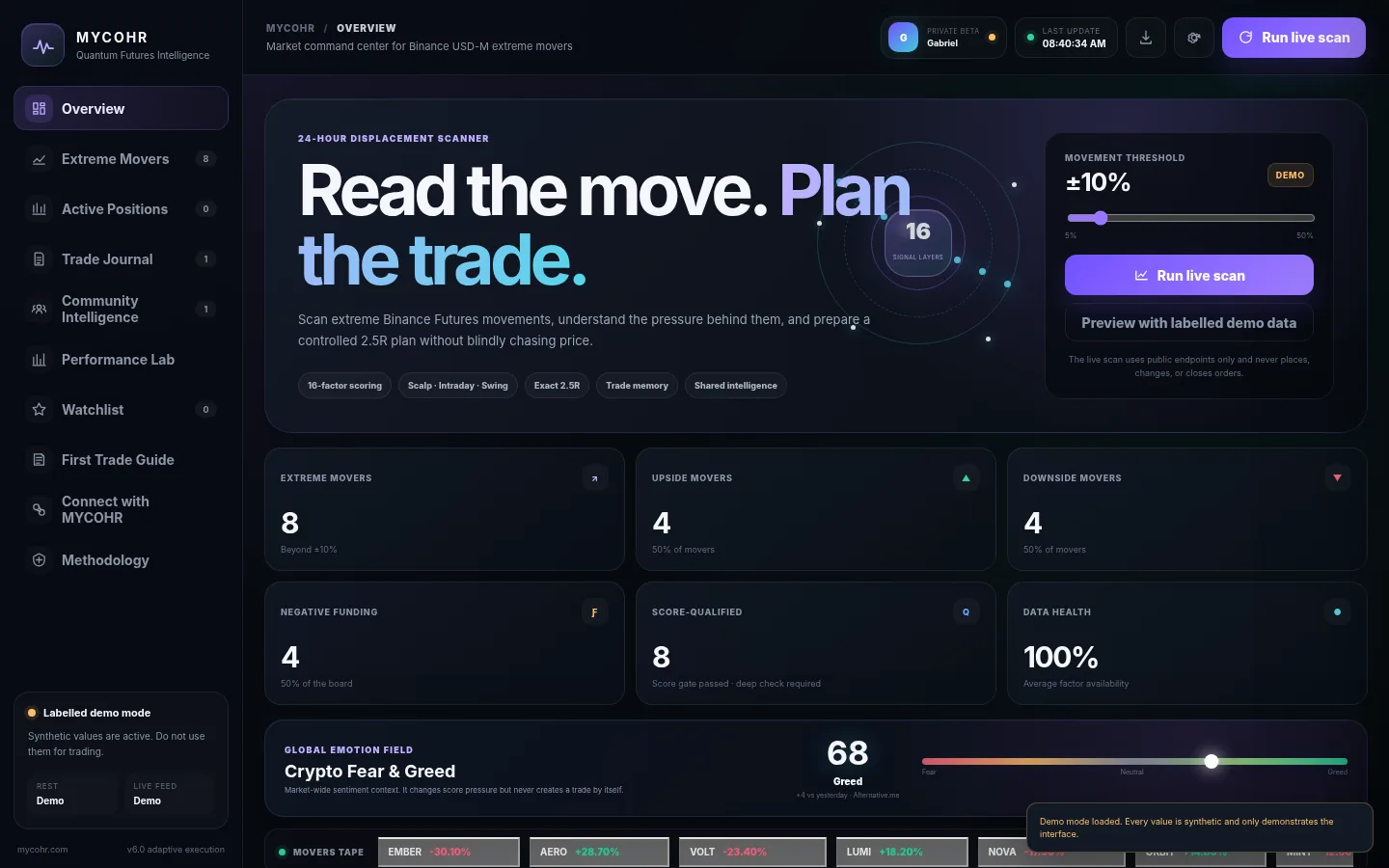
Set the movement threshold, then press Scan Binance Futures. One scan is allowed every fifteen minutes.
Green and red are pressure measurements, not automatic LONG or SHORT instructions. Open Deep Investigation before considering a trade.
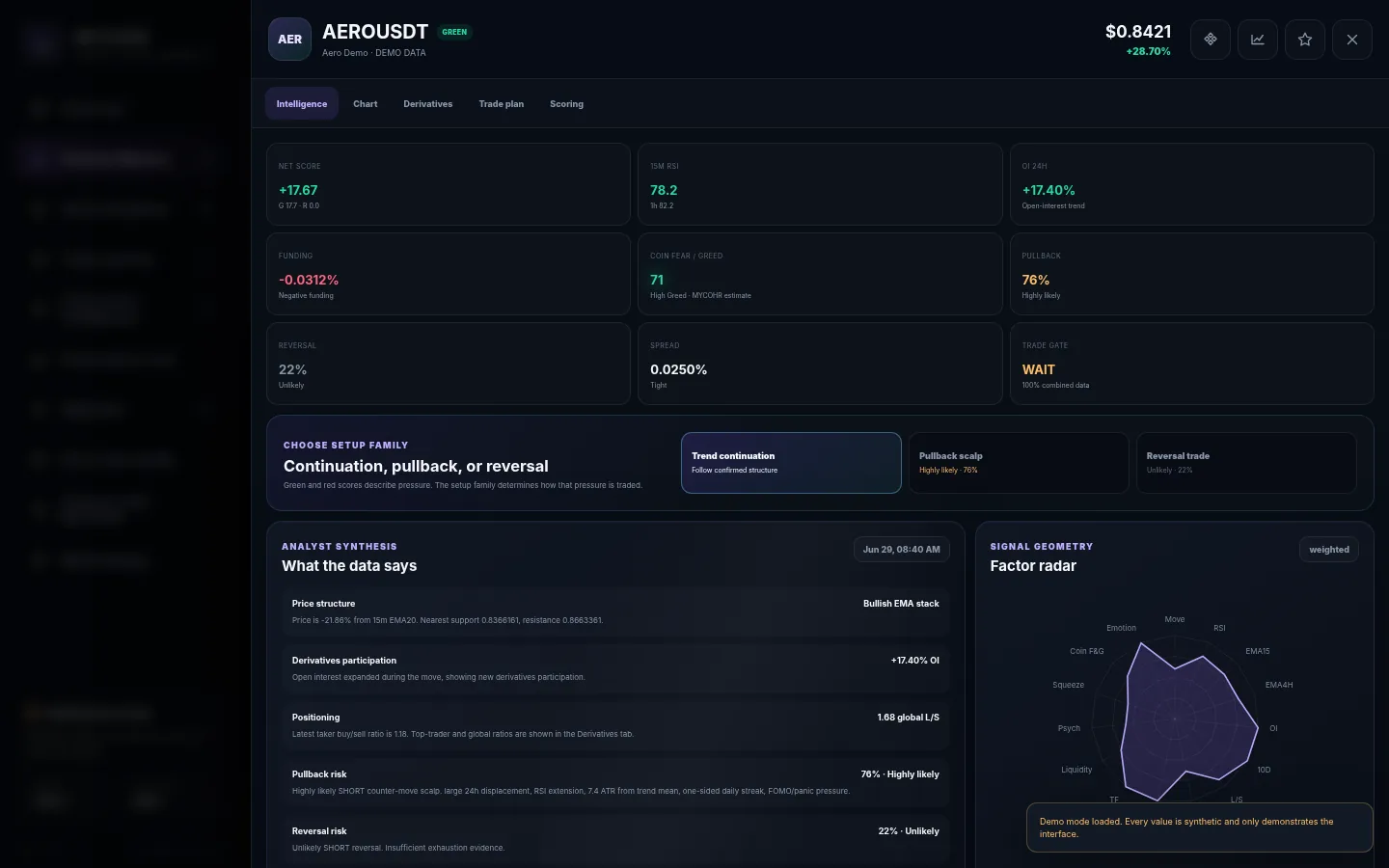
Check structure, derivatives, coin Fear & Greed, pullback probability, reversal probability and liquidity-grab risk.
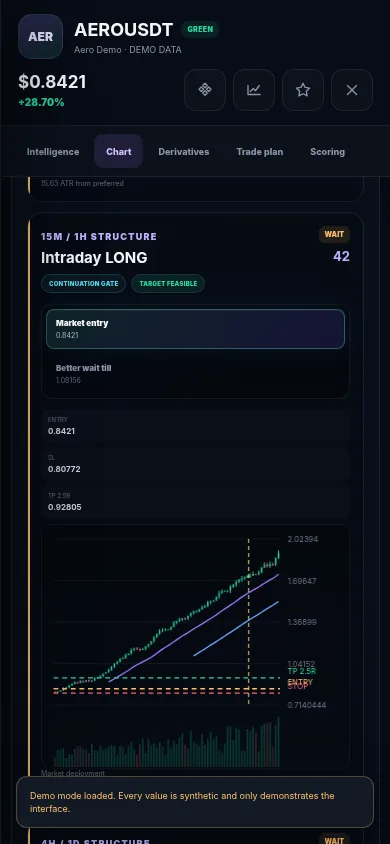
MYCOHR now rejects a setup when its exact 2.5R target lies outside the observed structure or volatility envelope.
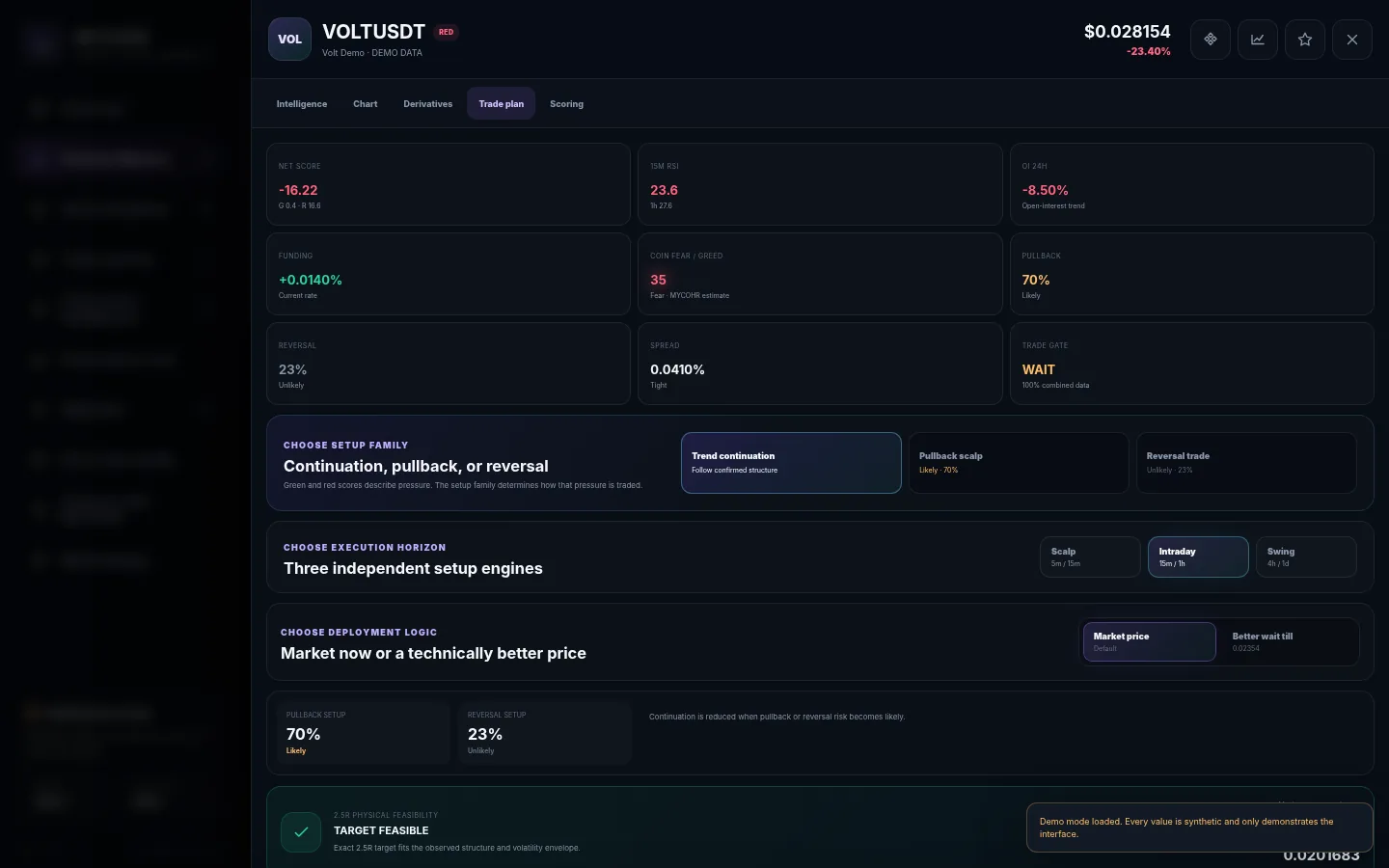
Confirm entry, stop, risk money, quantity, margin and the verified target. Recording a position never sends an order to Binance.
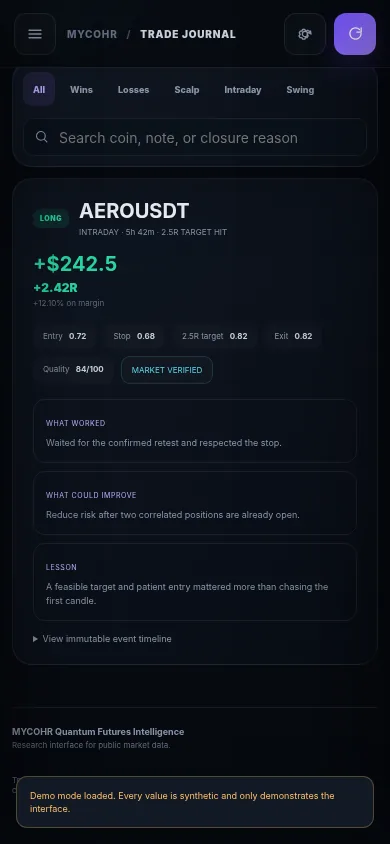
Store the result, PnL, duration, close reason and your lesson. The journal turns experience into evidence.
Choose the threshold and request current data. Never use a stale result as if it were live.
Green and red explain the coin’s condition. Direction comes from structure, flow, psychology and confirmation.
Open the coin and inspect charts, derivatives, crowding, Fear & Greed, and scenario probabilities.
Continuation follows confirmed structure. Pullback is a short counter-move scalp. Reversal needs stronger opposite-direction evidence.
An exact 2.5R target must remain positive, correctly ordered, and inside realistic structural and volatility boundaries.
Check loss, quantity, leverage, margin and portfolio heat before considering entry.
Save the real fill, stop and size. This creates a timestamped record; it does not place an exchange order.
Every stop, size and target change is added to the timeline instead of replacing the original plan.
Record the exit, fees, funding and why the position ended. Honest data is more valuable than a flattering story.
Explain what worked, what failed and what you would change. This is how the platform becomes useful over time.
The purpose is not to manufacture a trade. It is to reject weak, stale, overextended or physically implausible plans before money is exposed.
Updates, educational content, platform development, and community announcements from MYCOHR Trade.
MYCOHR never needs your Binance password, withdrawal access, seed phrase, or private wallet keys.
No hidden black box. Each factor is visible, weighted, and independently marked when data is unavailable.
The scanner score is only the first gate. Green and red describe pressure, not trade direction. Deep investigation separately evaluates continuation, pullback, and reversal probability before checking completed-candle structure, ATR extension, support or resistance, spread, order-book balance, positioning, and data completeness. A trade plan can therefore return READY, WAIT, or AVOID.